
Techivation
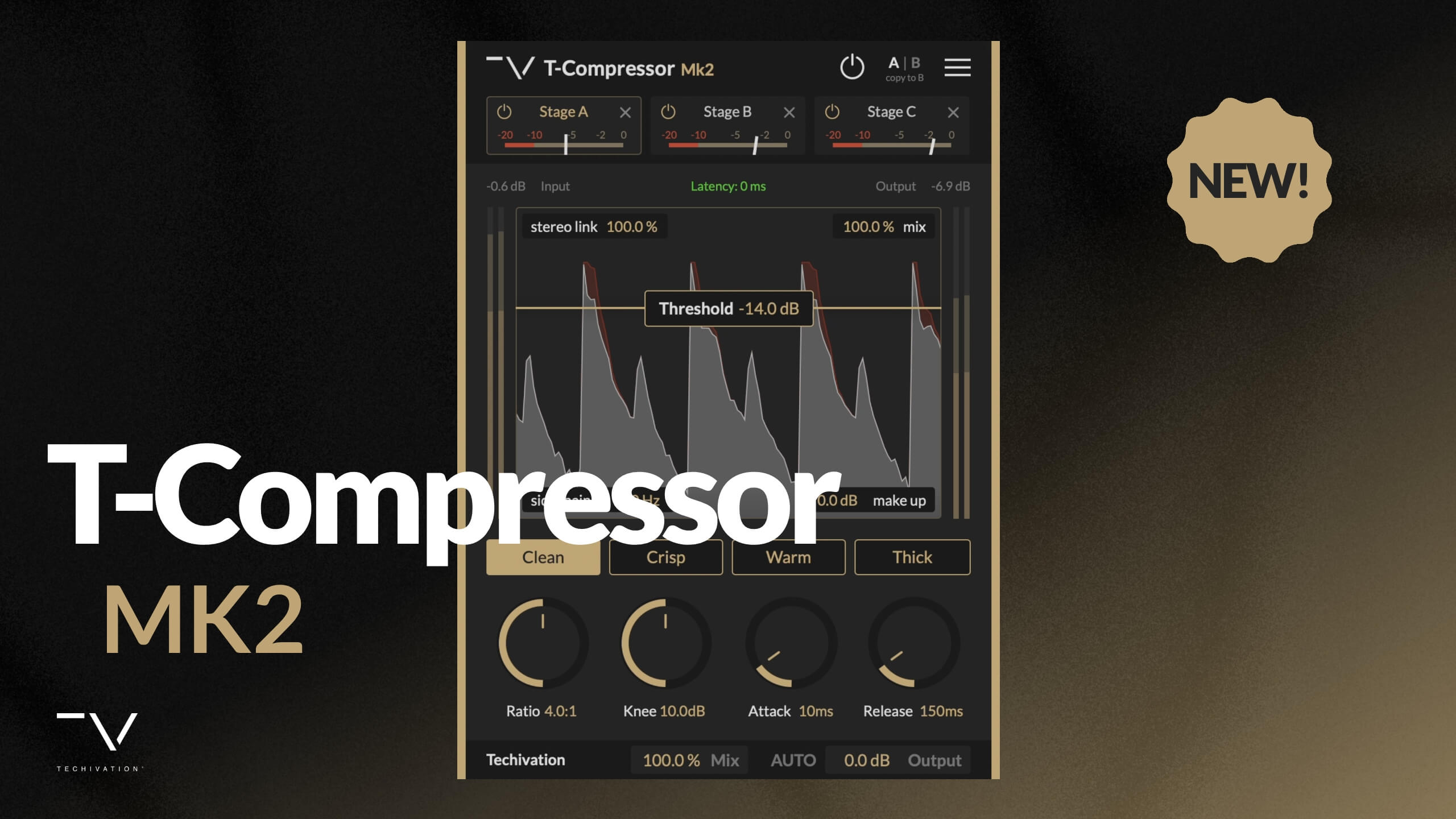
T-Compressor Mk2

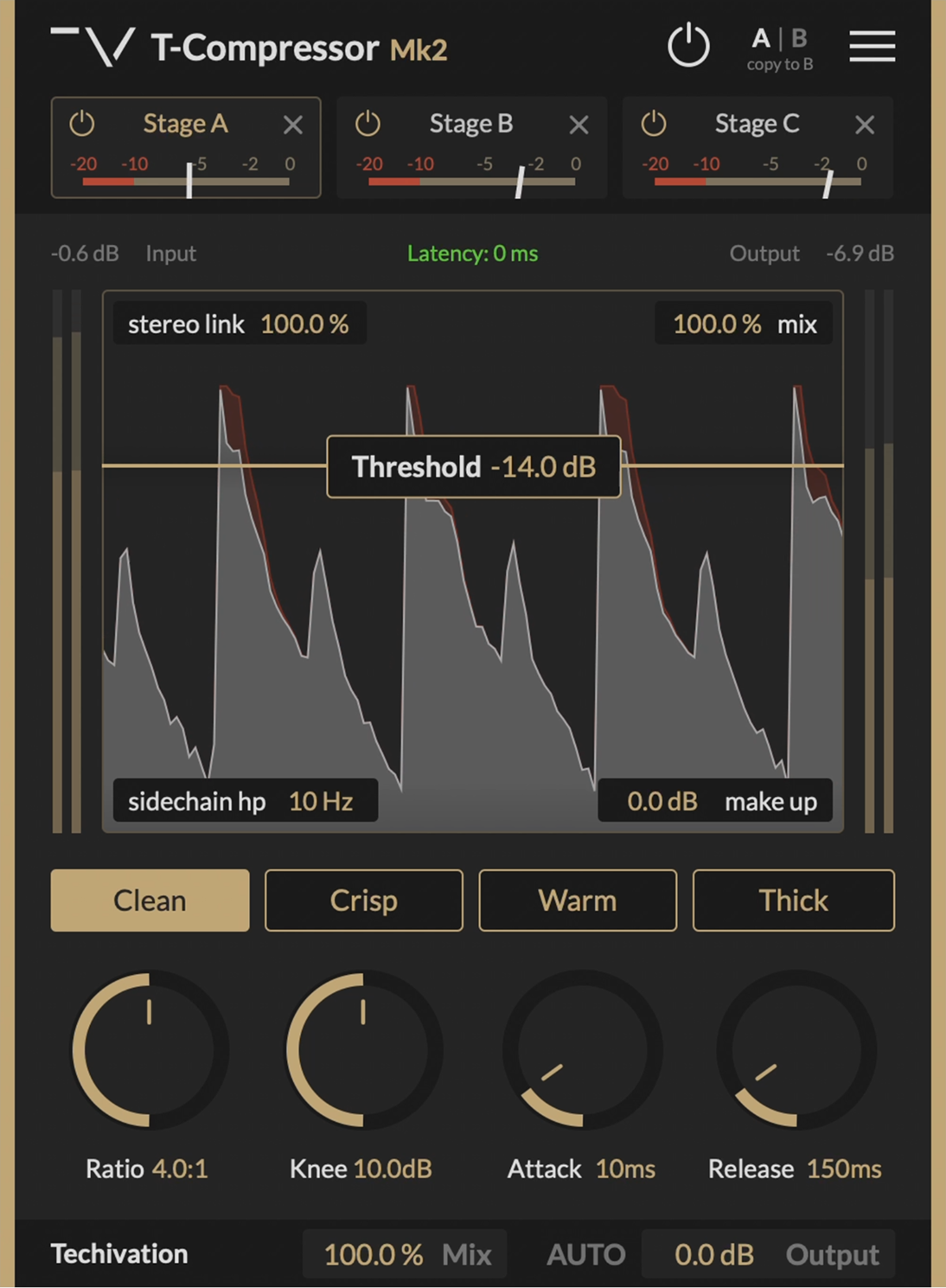
Techivation T-Compressor Mk2 is a zero-latency serial and parallel compression toolkit, rebuilt from the ground up. This upgraded version of T-Compressor features improved sound quality, refined dynamic response, and a redesigned user interface for a smoother, more intuitive workflow.

Smart solution for creators
Unmatched dynamic processing capabilities with stages and parallel blend
Total dynamic control,
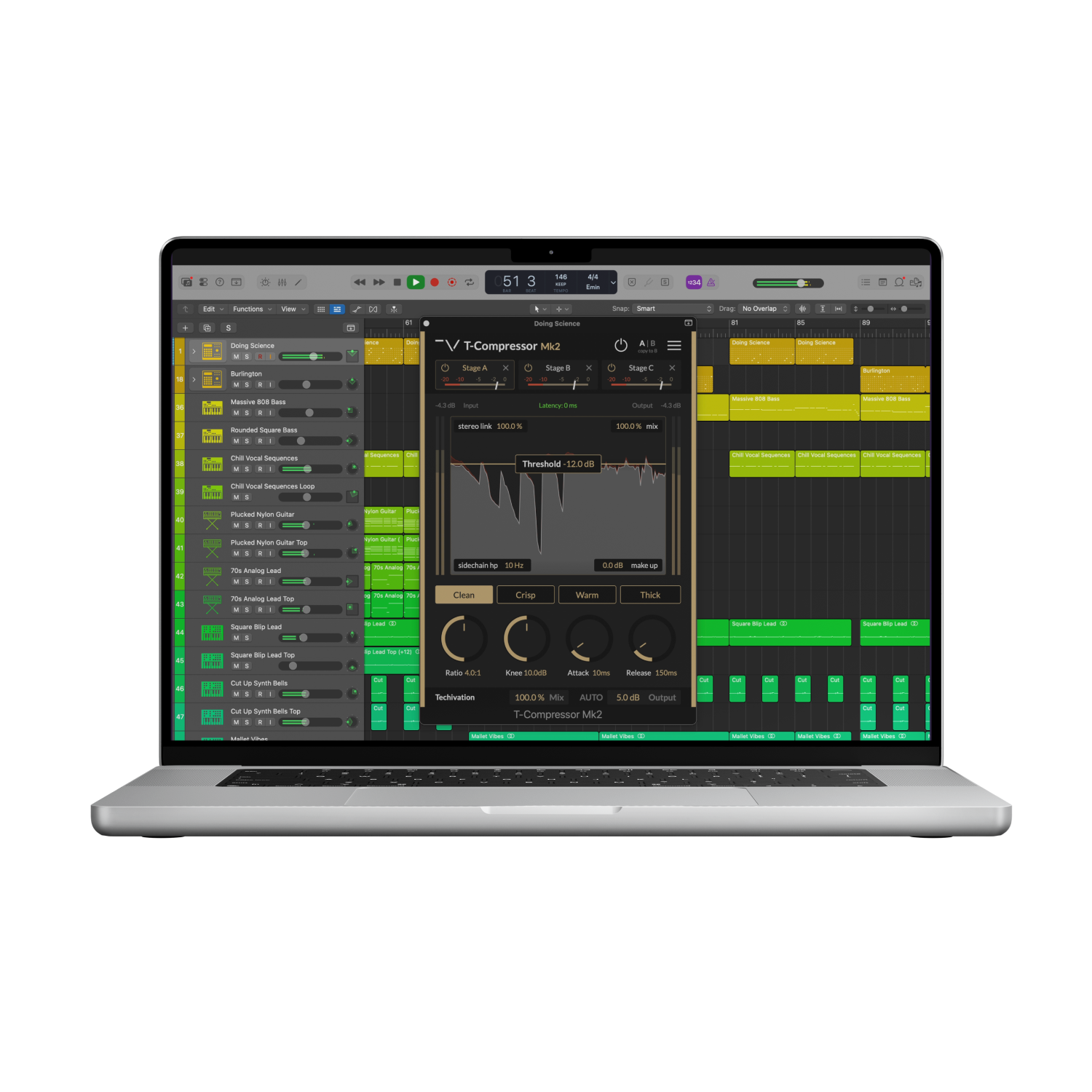
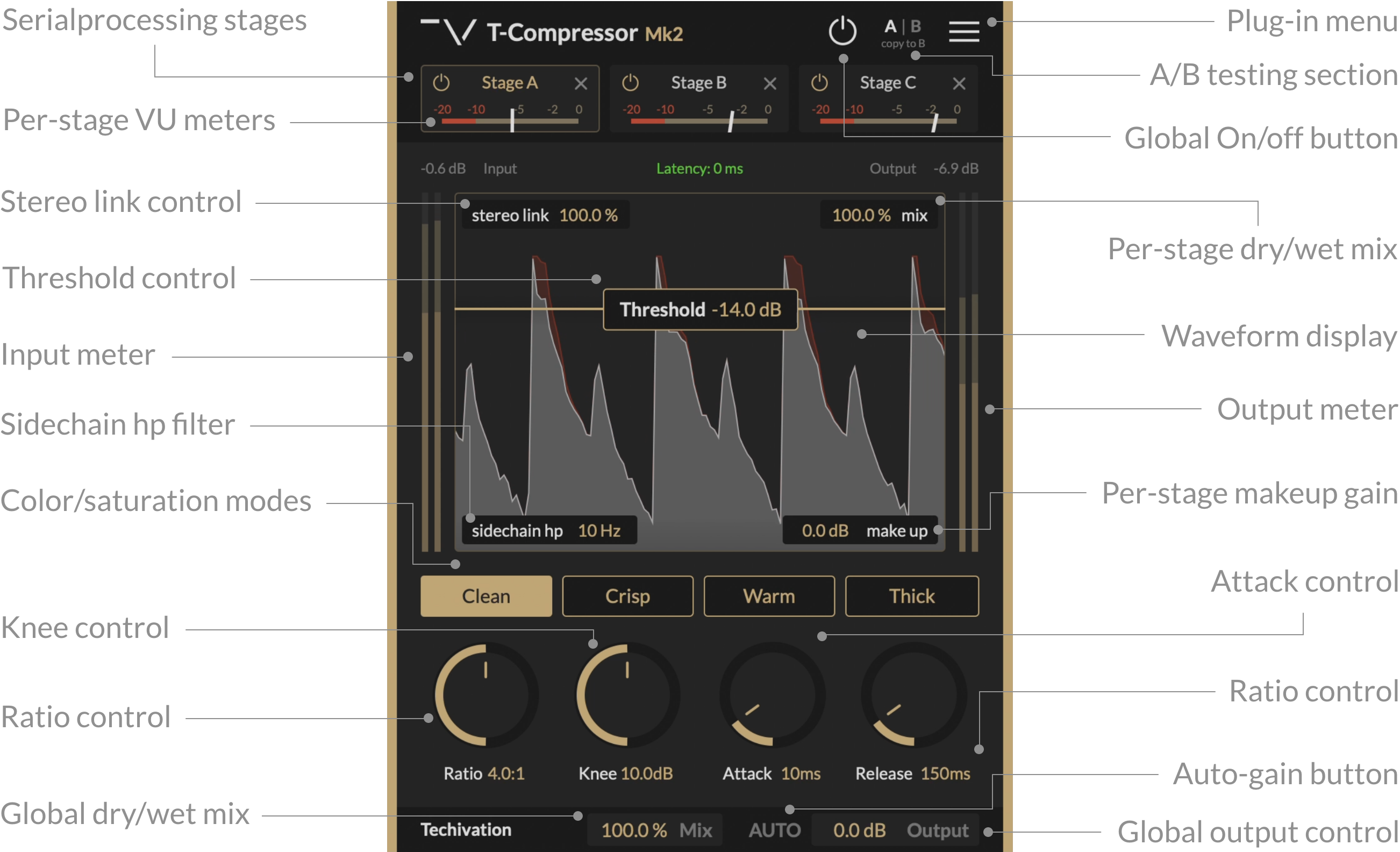
three stages and parallel blendingT-Compressor Mk2 features up to 3 compressor Stages, organised like browser tabs within a single, redesigned window. Instantly reorder the active Stages, blend dry and wet signals using per-Stage parallel Mix controls, and monitor precise gain reduction with dedicated VU-meters—all without leaving the main interface.
There are limitless creative possibilities when combining serial chains with parallel processing. You could start with Clean compression, add Thick saturation with 50% parallel blend in Stage 2, and finish with Crisp tube character—then simply drag the tabs to experiment with different processing orders. This hybrid workflow opens new dimensions for shaping audio, so dive in to make your tracks stand out.
Visual precision,
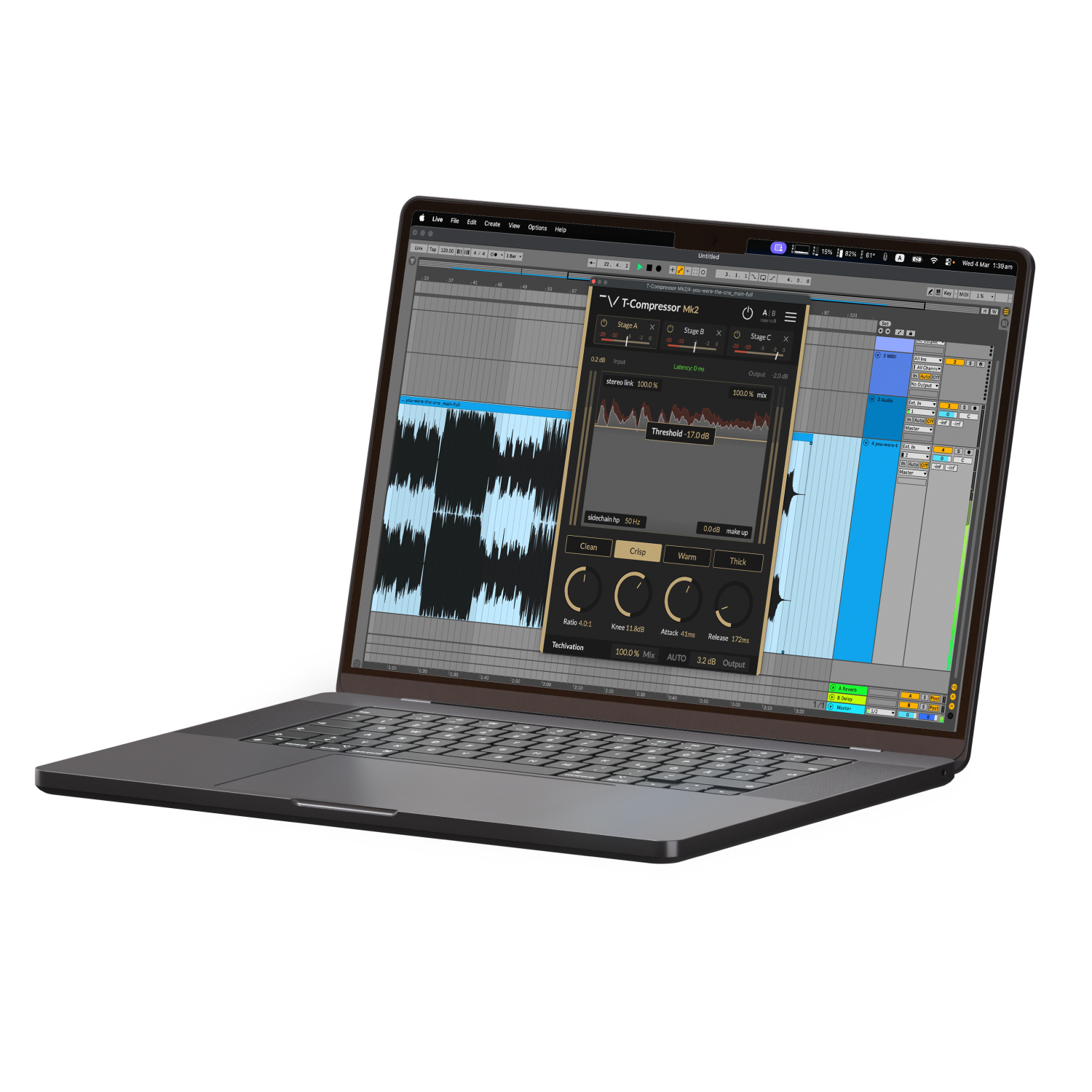
zero-latency processingT-Compressor Mk2 provides zero-latency operation for seamless real-time tracking and live performance. Shape your dynamics through four distinct character modes—Clean, Crisp, Warm, and Thick—while the real-time waveform display visualizes input, output, and gain reduction in vivid detail for laser-accurate threshold setting.
Unlock advanced imaging with Mid/Side mode and continuously adjustable Stereo Link, letting you process center and side signals independently or in lockstep. The Sidechain High-Pass Filter (up to 800Hz) prevents low-end frequencies from triggering compression, ensuring balanced dynamics, while Oversampling up to 8x eliminates aliasing for pristine, pro-grade audio quality.
Let's hear it in action
Sound Examples

Key Features
Four compression characters
You can choose between fully transparent or three saturation colors including "Clean", "Crisp", "Warm" and "Thick", each reworked with more character and depth in the brand new sound engine.
Clean: Disables all colouration and saturation for completely transparent compression.
Crisp: Enables brighter tube-inspired compression character.
Warm: Enables darker tape-inspired compression character.
Thick: Enables deep and rich signature Loudener compression character.
Stage Tabs
The Mk2 update introduces compressor Stage Tabs for seamless serial compression workflow. Create up to 3 compressor Stages, organised like browser tabs, and effortlessly experiment with different processing chains by reordering the active Stages using drag-and-drop. Each Stage processes audio in series with consistent automation and Undo for every change.
Per-Stage parallel Mix
Each Stage offers individual Mix control for the parallel blend (wet/dry) of the Stage output and input signals. This complements the serial compression chain to offer limitless creative combinations and precise dynamic layering.
Global Mix
A workflow shortcut allowing you to blend the output of all active Compressor Stages with the unprocessed input using a single control, perfect for quick parallel processing adjustments across the entire chain.
Real-time Waveform Display
The waveform display provides real-time visual feedback of the Stage input and output (shown in grey), while the amount of gain reduction is shown in red. Precisely set your Threshold and visualize the effect of parameters like Ratio, Knee, Attack, and Release with confidence.
Per-Stage VU-meters
Each Stage tab features a dedicated gain reduction VU-meter, making it easy to see how much compression each individual Stage is applying at a glance.
Side-chain High-pass filter
The Side-chain High-pass filter (SC-HP) prevents the lower frequencies from triggering the Compressor Stage. This control helps you limit how much low frequency components of the track affect the overall amount of gain reduction, making it easy to achieve balanced compression.
Stereo Link
Controls how the Compressor Stage responds to stereo signals. At 0%, stereo channels are processed independently. At 100%, both channels experience the same level of gain reduction for precise stereo dynamics control.
Mid/Side mode
The Mid/Side option lets you process the centre and side signals of a stereo track individually, available from the main menu for advanced stereo field shaping and imaging control.
Expanded dynamic controls
Independent Attack, Release, Ratio, and Knee controls for each Stage allow surgical precision over your dynamics. Attack controls how quickly compression engages, Release determines how long it takes to relax, Ratio sets the gain reduction amount, and Knee determines how gradually compression starts as the signal approaches Threshold.
Auto Gain
Continuously measures input and output loudness to automatically apply appropriate gain compensation, ensuring matched loudness with minimal user intervention. When disabled, it sets the Output gain parameter to the latest measured value, taking the guesswork out of level matching.
Make Up Gain
Sets the amount of clean gain applied to the output of each individual Compressor Stage, allowing precise level staging throughout your serial chain.
Output Gain
Controls the amount of clean gain applied to the final output of T-Compressor Mk2, ensuring optimal output levels after processing.
Oversampling up to 8X
Oversampling reduces aliasing by internally processing audio at a higher sample rate than the host application, with the capability to reach up to 8 times the original sample rate. Choose from "Off (1X)", "Good (2X)", "Great (4X)", or "Ultra (8X)" to achieve the desired balance between performance and audio quality.
System
Requirements
Windows
7 and up as 64-bit VST and VST3, and 64-bit AAX (PT11 and up).
Mac OS
10.13 (macOS High Sierra) or higher as VST, VST3, AU, and AAX. Intel processors, and Apple Silicon Chips.